One schedule for every flight and lesson.

Have all lessons, hires and maintenance in one place so your school stays in control of the schedule.

Book a chat

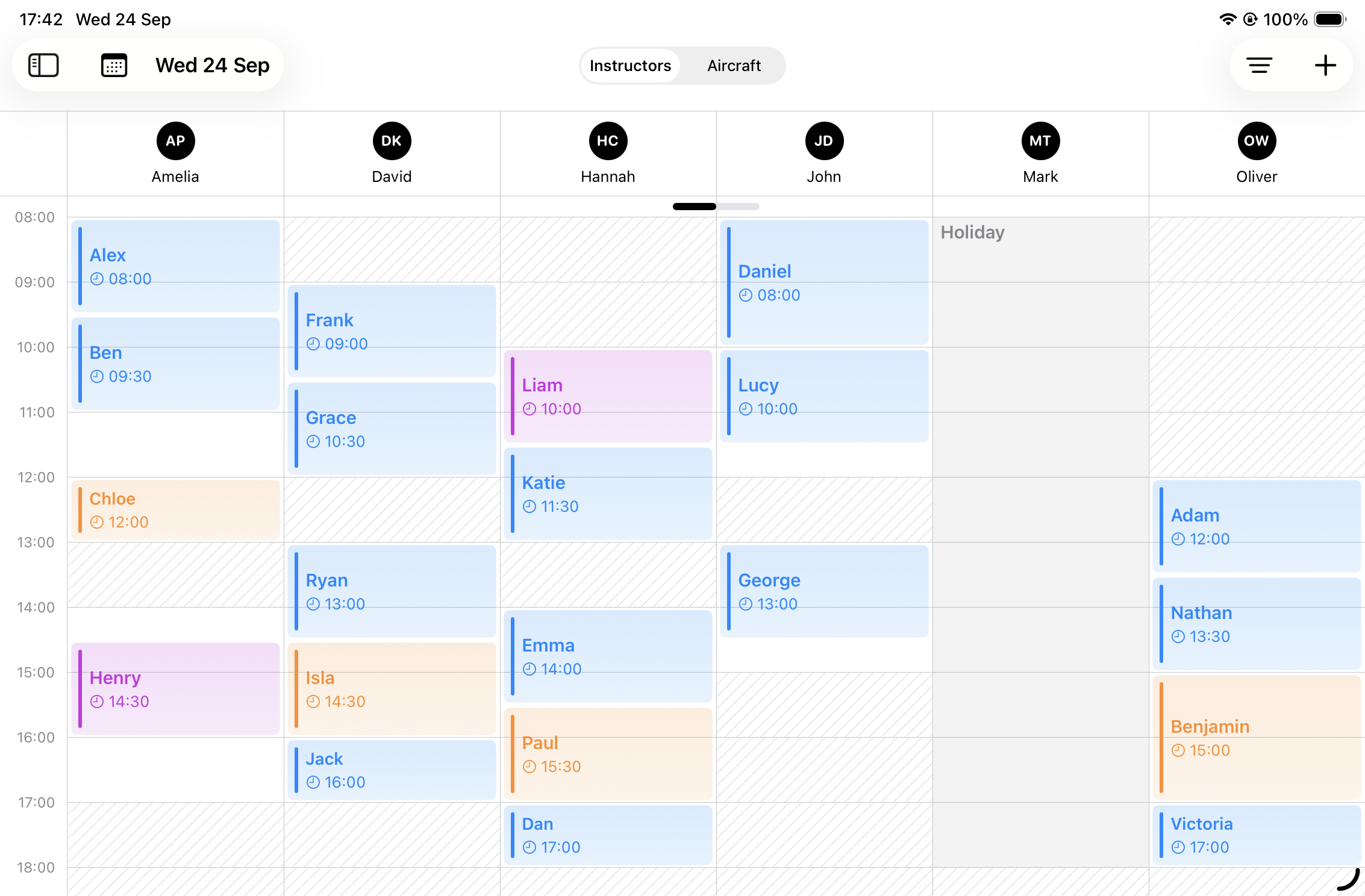
Wingbase calendar with lessons, hires and maintenance
Working Hours No Double Bookings Multi-Day Bookings Colour Coding View Options Booking Status
Working Hours

Never book outside
working hours again.

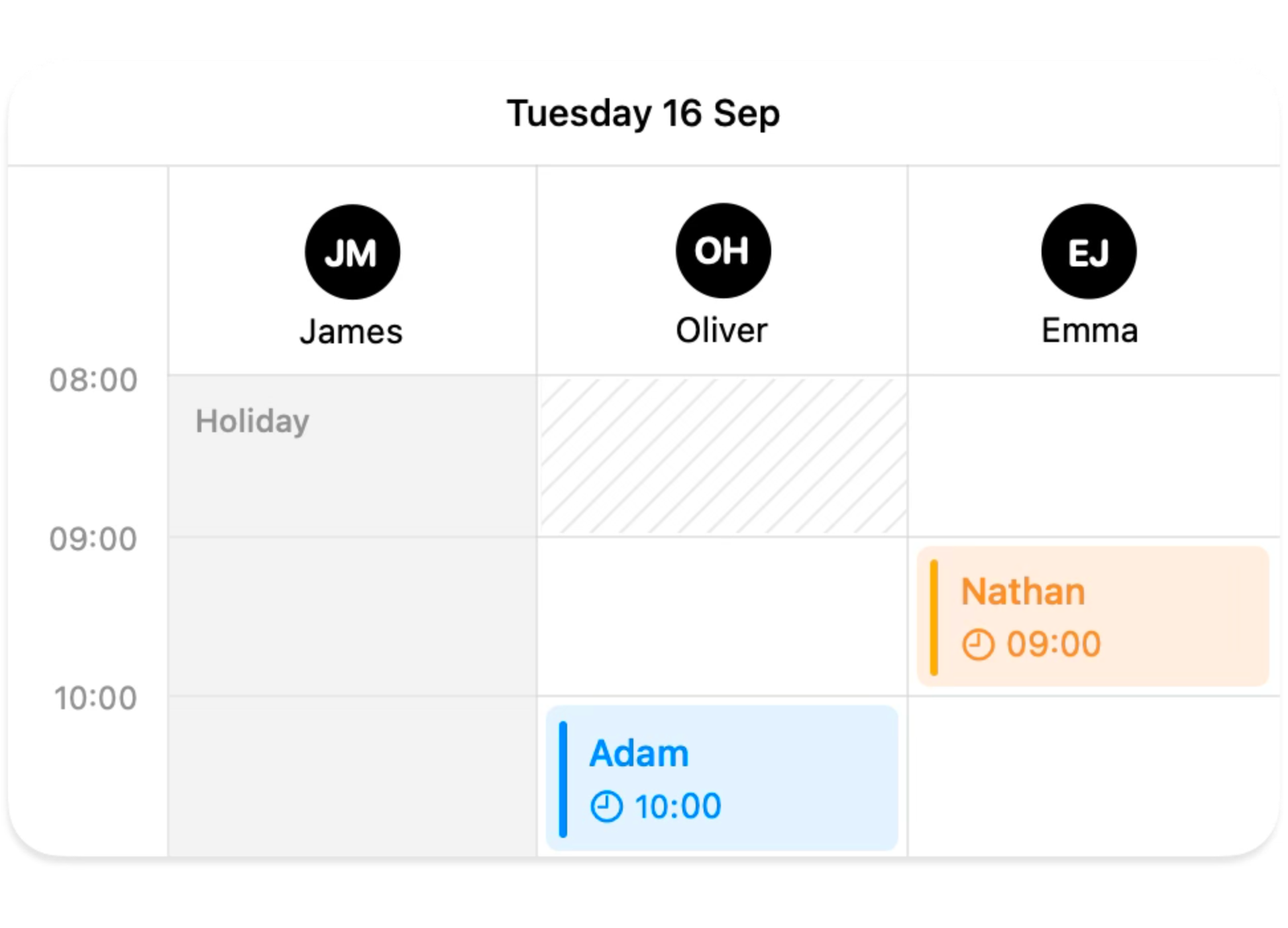
Instructors set their hours and time off in advance. You add bookings only when they are available, which keeps your day easy to plan.

Book a chat

No Double Bookings

No double bookings, no
overlaps, no confusion.

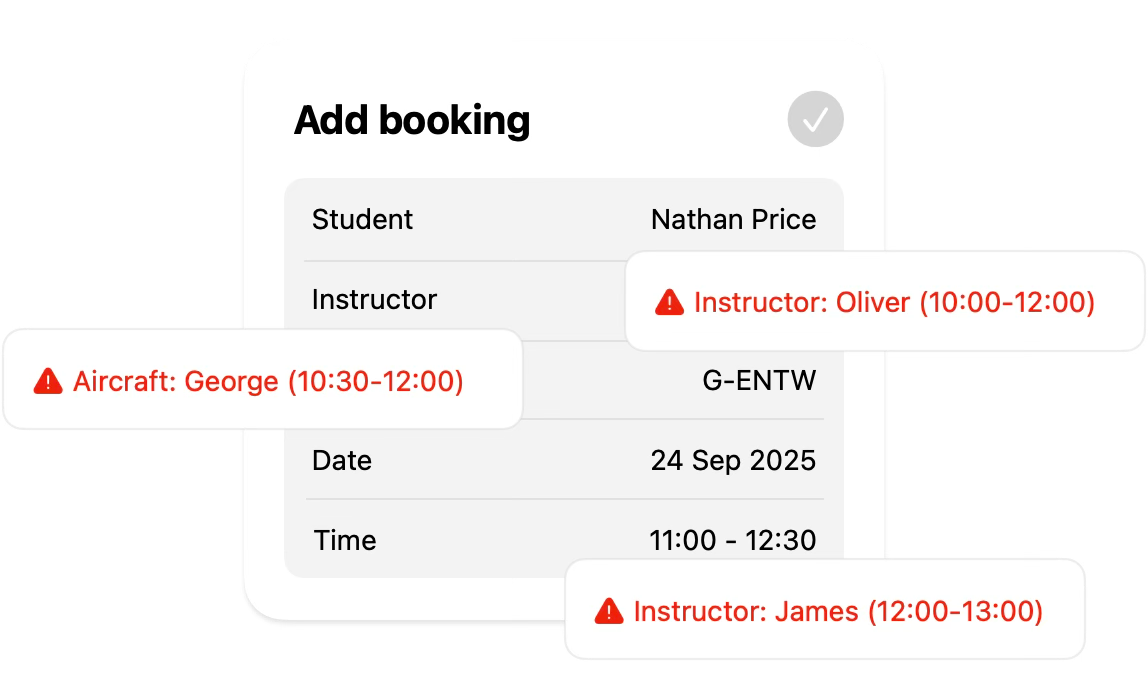
You see straight away when an instructor or aircraft is taken. This prevents clashes early and keeps the day under control.

Book a chat

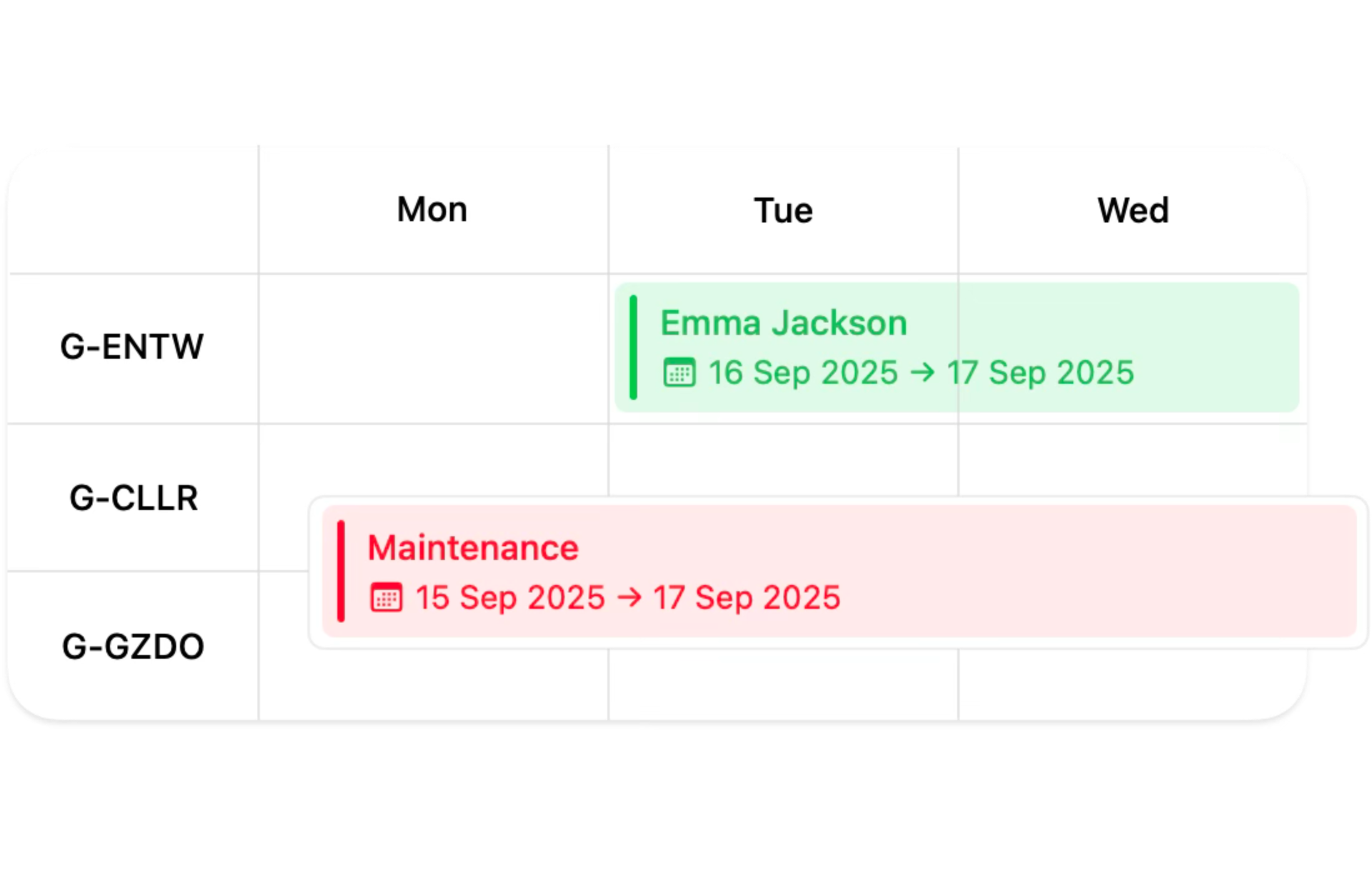
Multi-Day Bookings

Add multi-day bookings
for hire or maintenance.

Hire or maintenance can run for several days. The aircraft stays unavailable until the booking ends, which keeps your schedule clear.

Book a chat

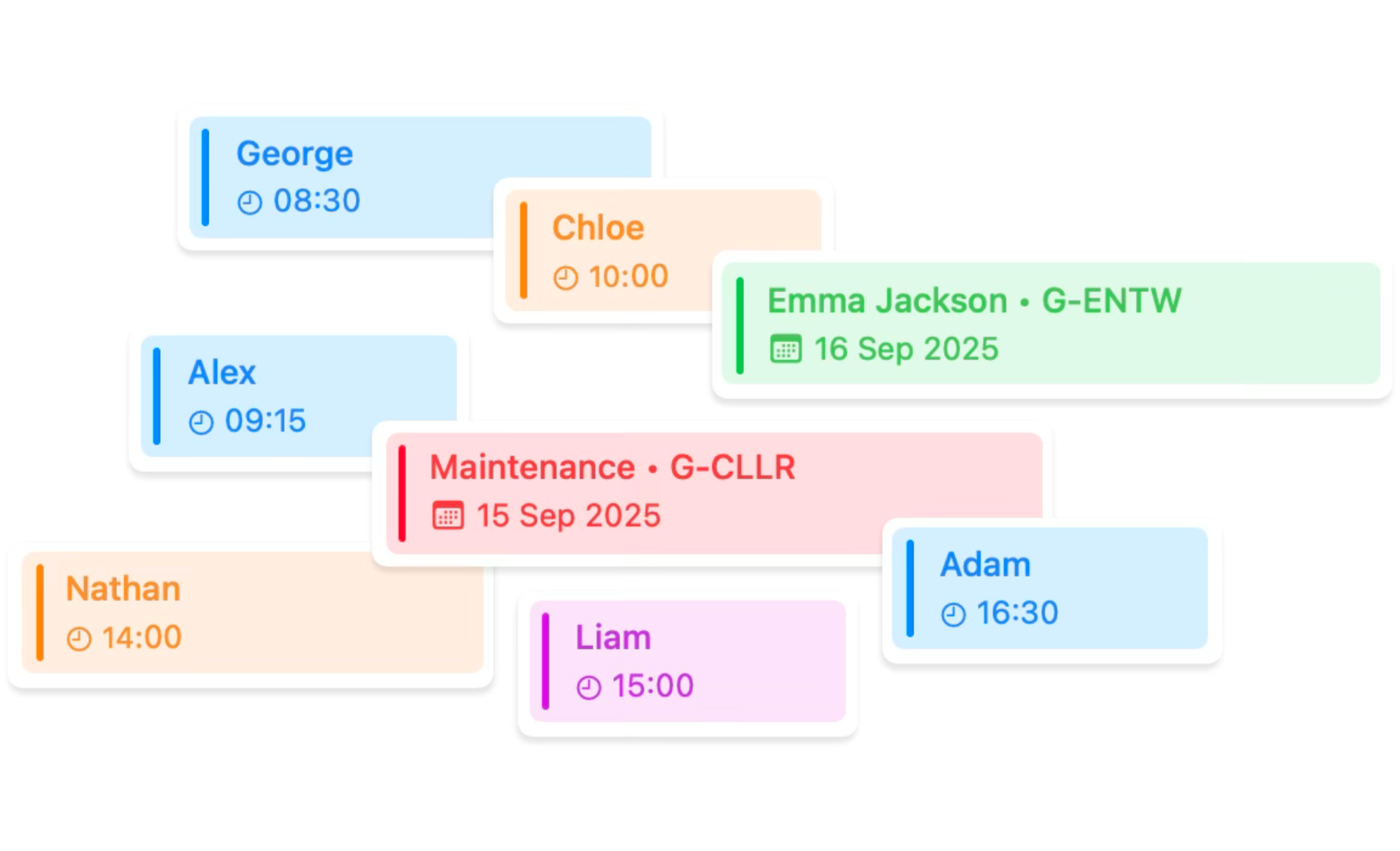
Colour Coding

Each booking comes
with its own colour.

Activities use their own colours to show trials, lessons, hires and maintenance at a glance. This helps you understand the day quickly.

Book a chat

View Options

See your bookings
the way you choose.

Switch between a day or a list view for instructors or aircraft. Move through days with ease and always know what comes next.

Book a chat

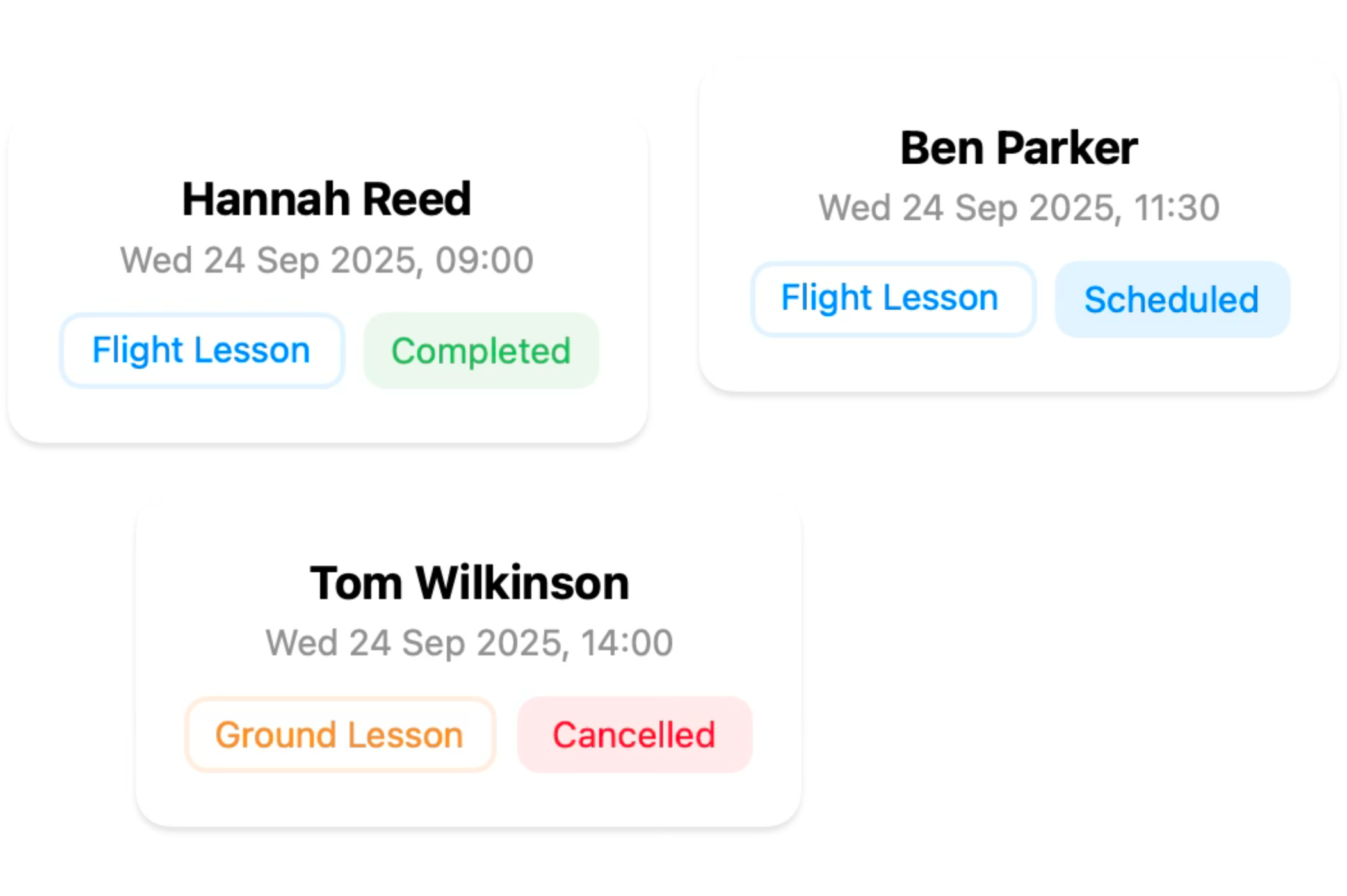
Booking Status

Mark your bookings as
cancelled or complete.

Cancelled lessons are removed from the schedule but still count. Completed ones help you stay organised and see your progress.

Book a chat

Tired of chasing
updates?

Ask us how your school can stay current without all the calls or messages.

Book a chat